> For the complete documentation index, see [llms.txt](https://docs.bifrostnetwork.com/eng.btcfi.one/llms.txt). Markdown versions of documentation pages are available by appending `.md` to page URLs; this page is available as [Markdown](https://docs.bifrostnetwork.com/eng.btcfi.one/earn/depositing-btcusd-bifi/withdrawing-btcusd.md).
# Withdrawing BtcUSD
These are the steps to withdraw the BtcUSD deposited to BiFi. The withdrawn collateral can be used to lower your LTV ratio or utilized on other platforms.
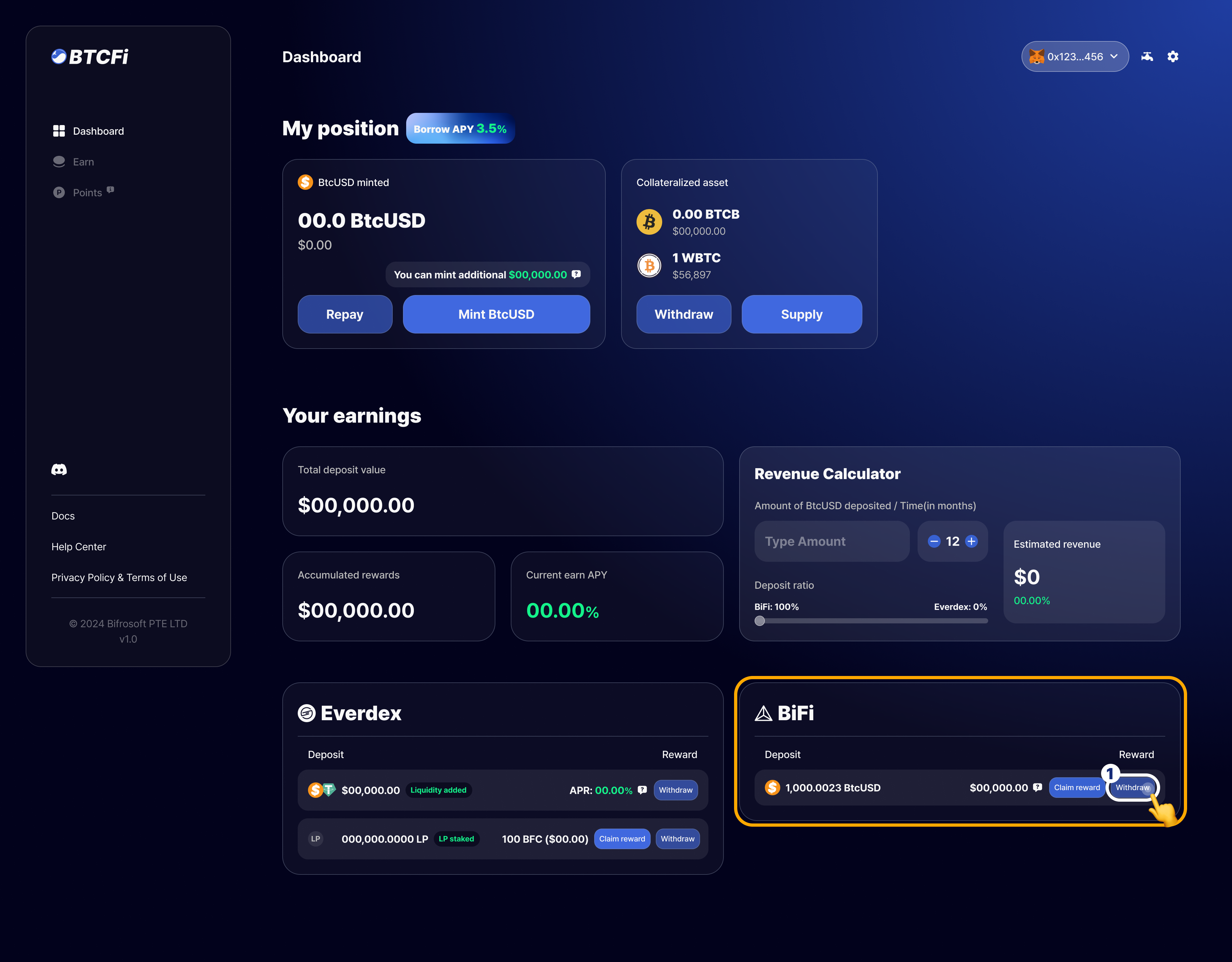
1. Find and click on `Withdraw` button at the bottom of the Dashboard screen, in the BiFi section.
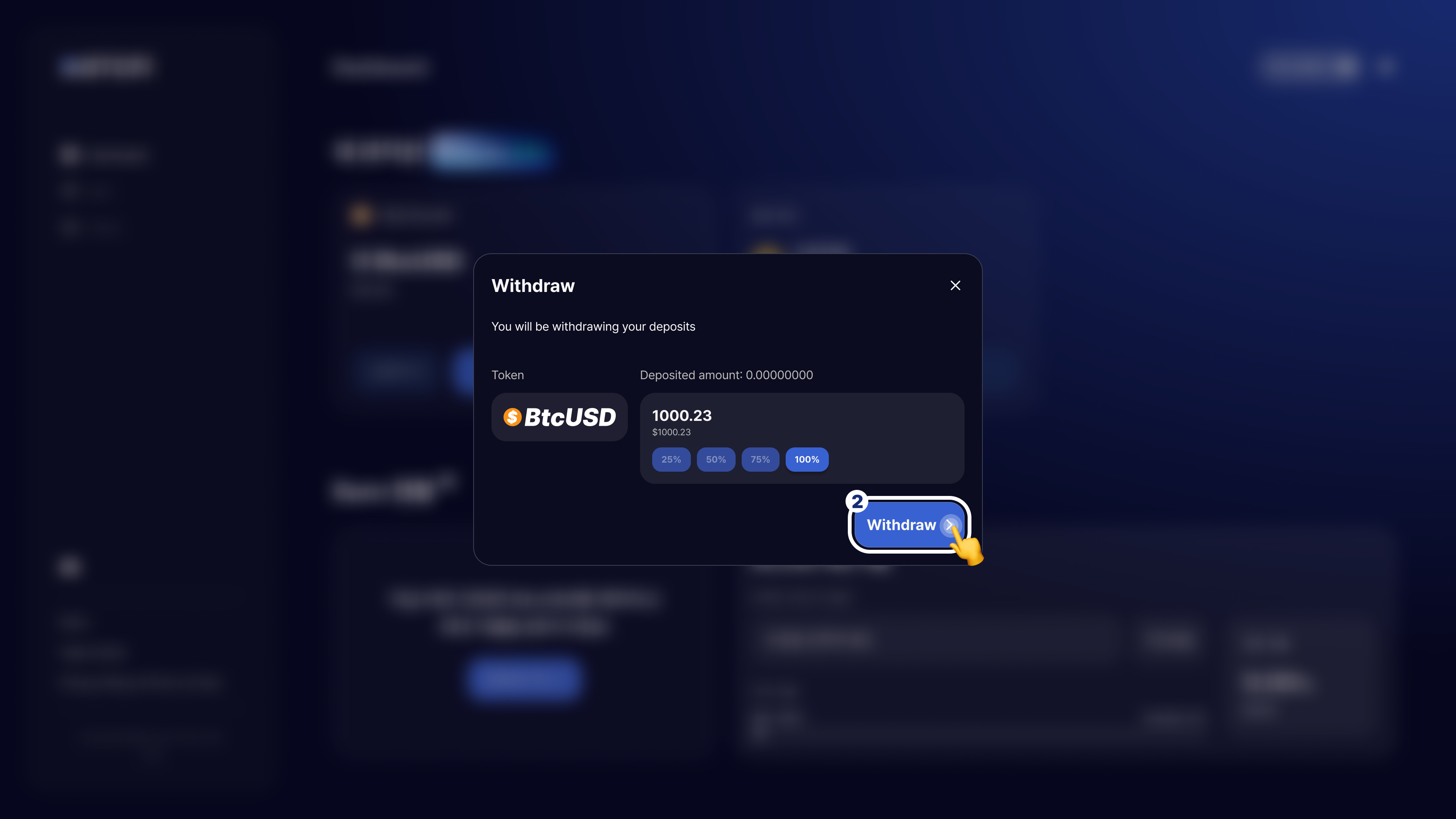
2. Confirm the amount of BtcUSD tokens to withdraw from BiFi, then click on `Withdraw` button to proceed.
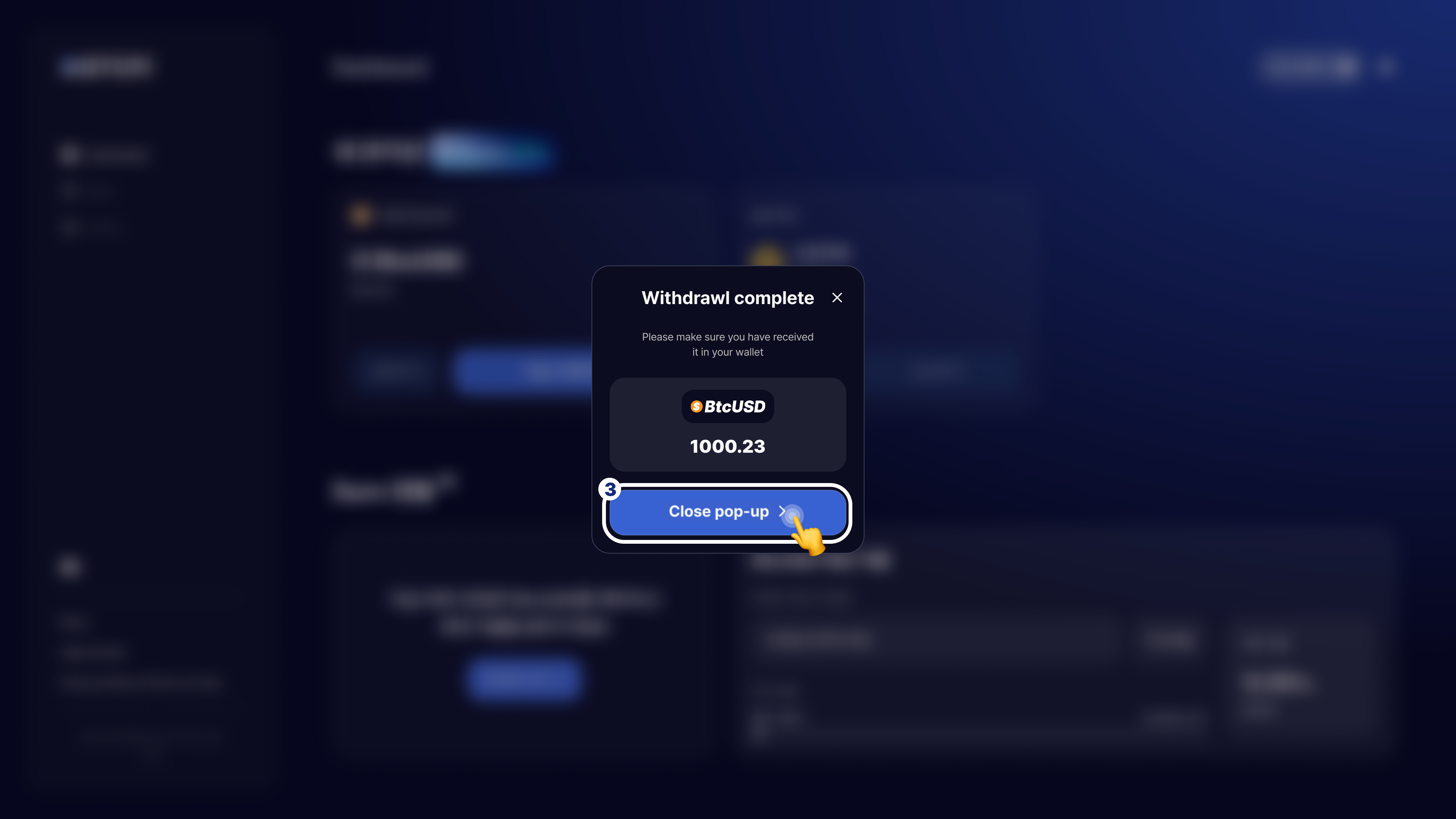
3. Upon withdrawing, you can check your new Earn status within the Dashboard.