> For the complete documentation index, see [llms.txt](https://docs.bifrostnetwork.com/eng.btcfi.one/llms.txt). Markdown versions of documentation pages are available by appending `.md` to page URLs; this page is available as [Markdown](https://docs.bifrostnetwork.com/eng.btcfi.one/dashboard/4.-repay-btcusd.md).
# 4. Repay BtcUSD
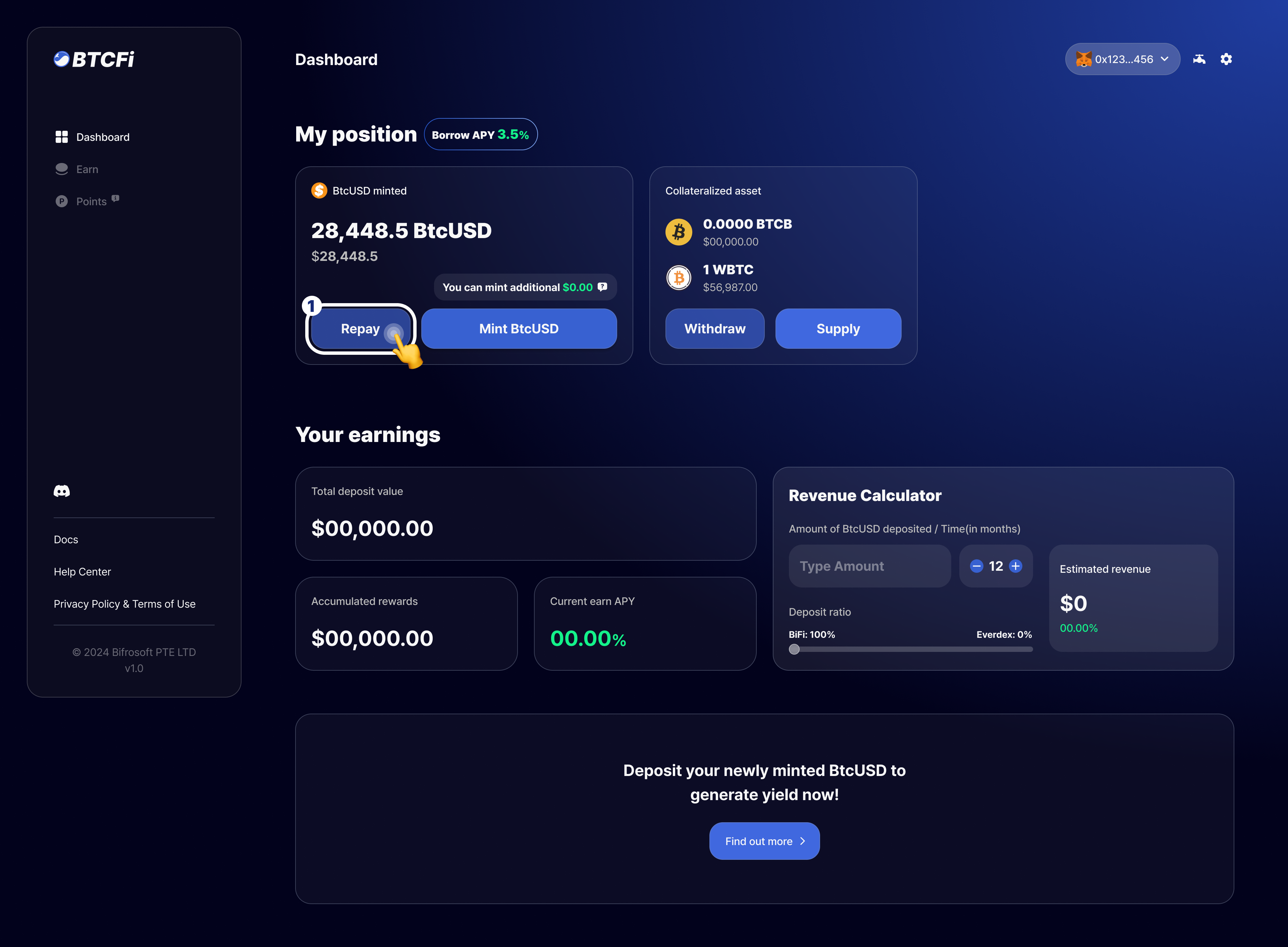
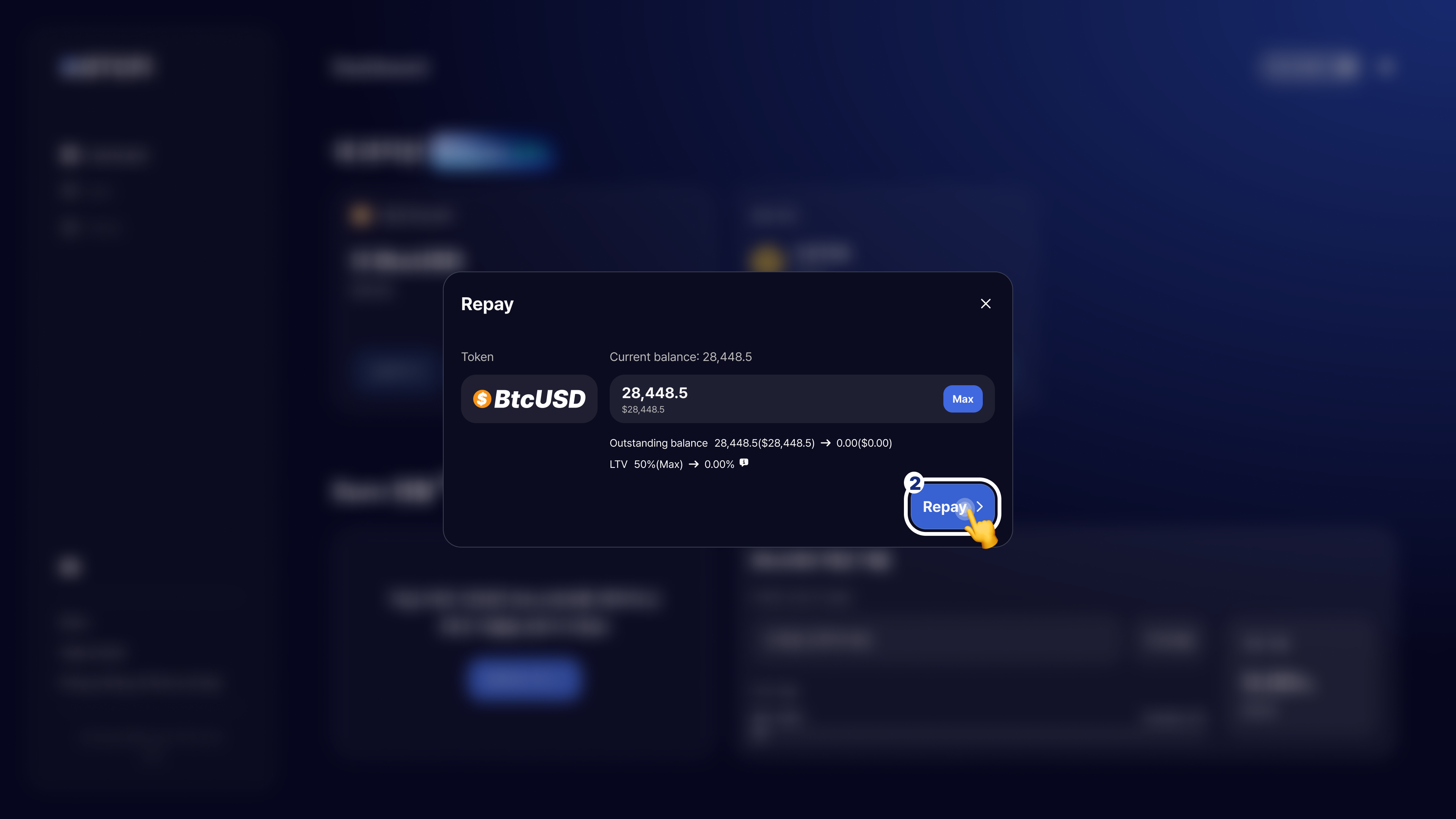
This step is for users who want to repay their loan interest early or repay the total loan principal + interest after earning enough profit. Repaying lowers your LTV, reducing the risk of liquidation, so manage your loan amount appropriately according to your investment plan.
*\* If your loan is at the maximum LTV, you can purchase additional BtcUSD on Everdex for repayment.*
1. Click the `Repay` button to enter the amount of BtcUSD you would like to repay.
2. After entering the amount, press the `Repay` button to proceed with the steps.
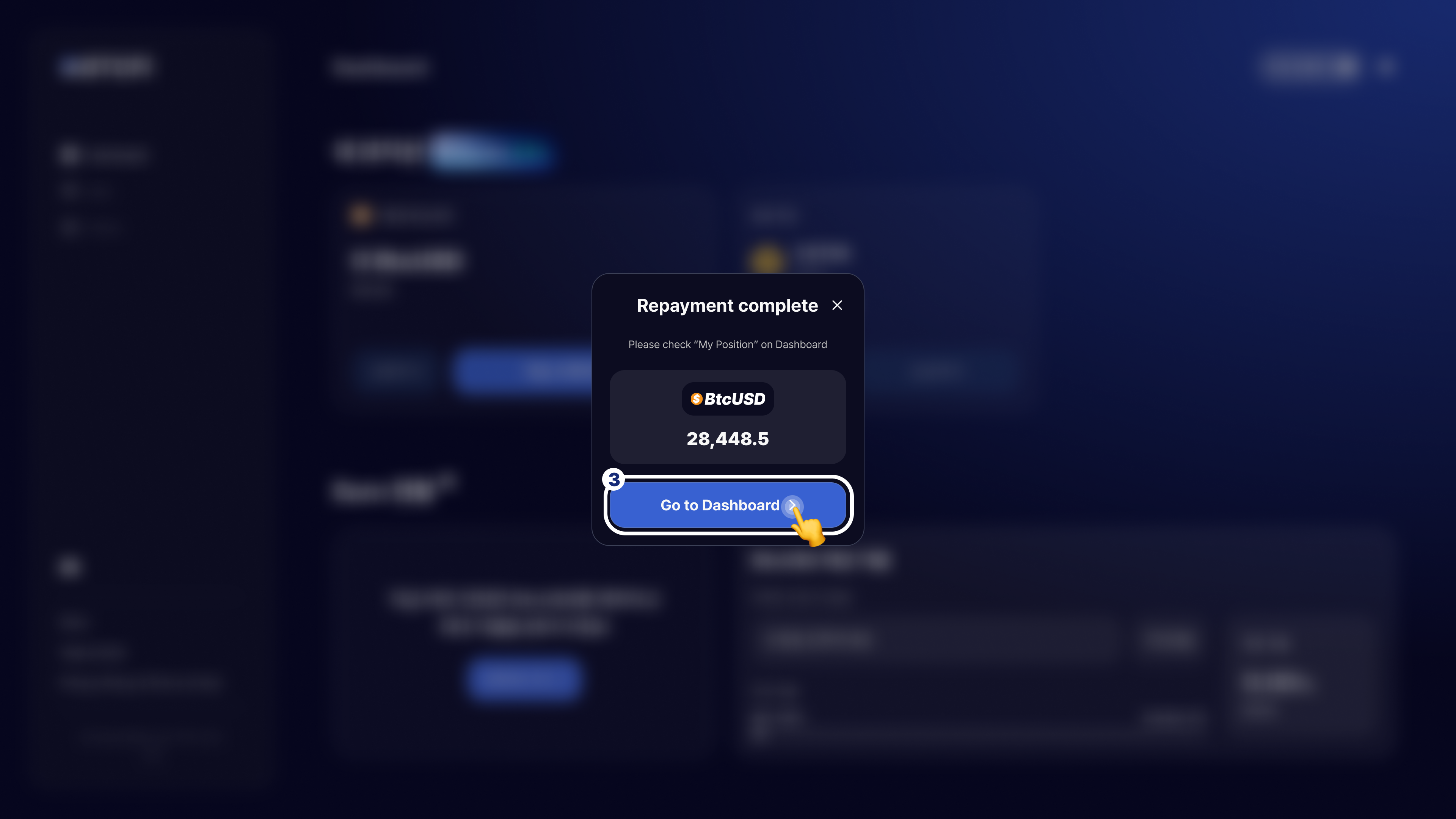
3. Once repayment is complete, click the `Go to Dashboard` button to check the updated loan status.