> For the complete documentation index, see [llms.txt](https://docs.bifrostnetwork.com/eng.btcfi.one/llms.txt). Markdown versions of documentation pages are available by appending `.md` to page URLs; this page is available as [Markdown](https://docs.bifrostnetwork.com/eng.btcfi.one/earn/depositing-btcusd-bifi.md).
# Depositing BtcUSD (BiFi)
Deposit your BtcUSD in BiFi to receive deposit rewards quickly and easily. You can safely retrieve your BtcUSD at any time.
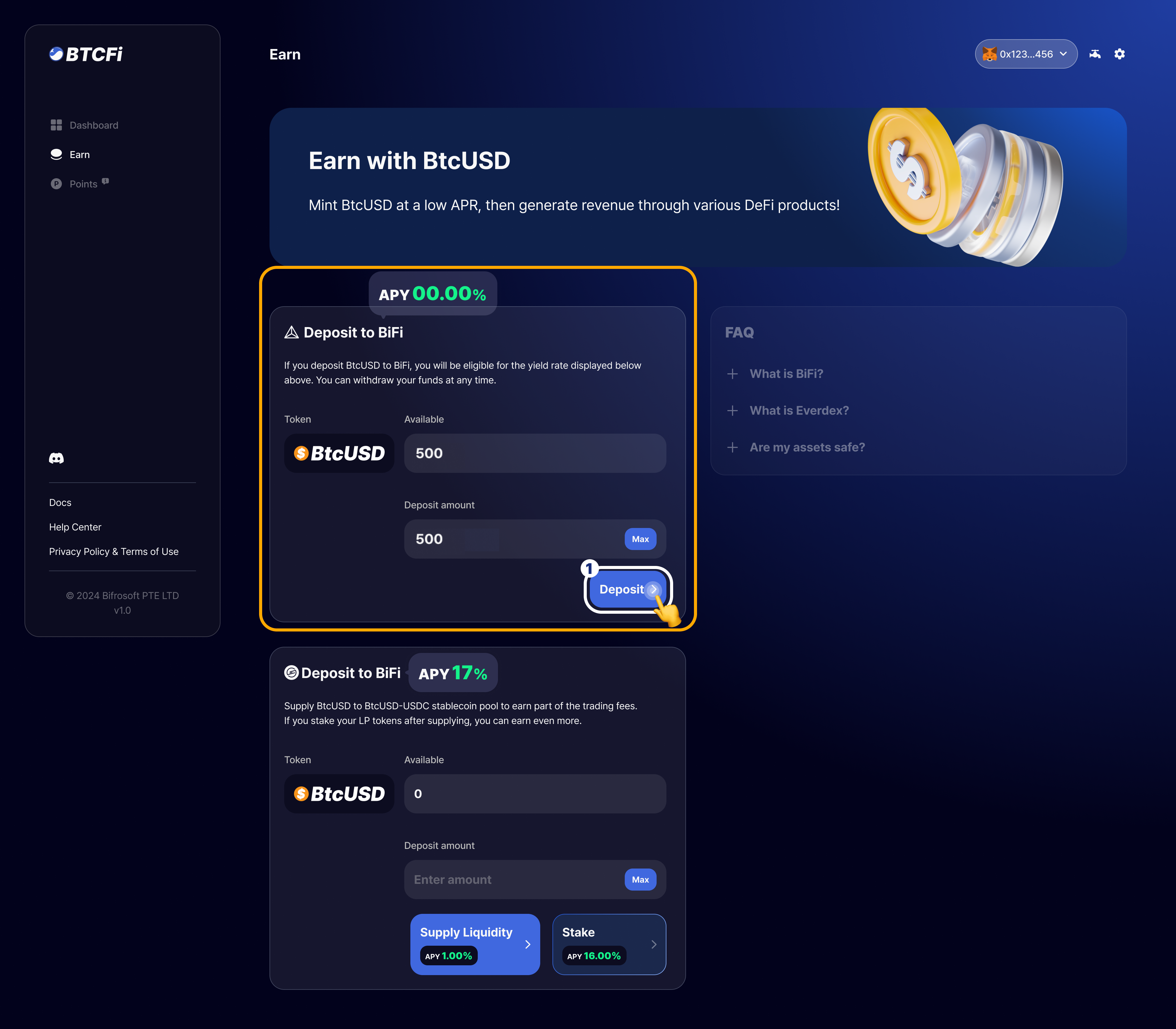
1. Enter the amount you wish to deposit and press the `Deposit` button to deposit your BtcUSD.\
*\*If it is your first time depositing, an additional approval process in your wallet is required.*
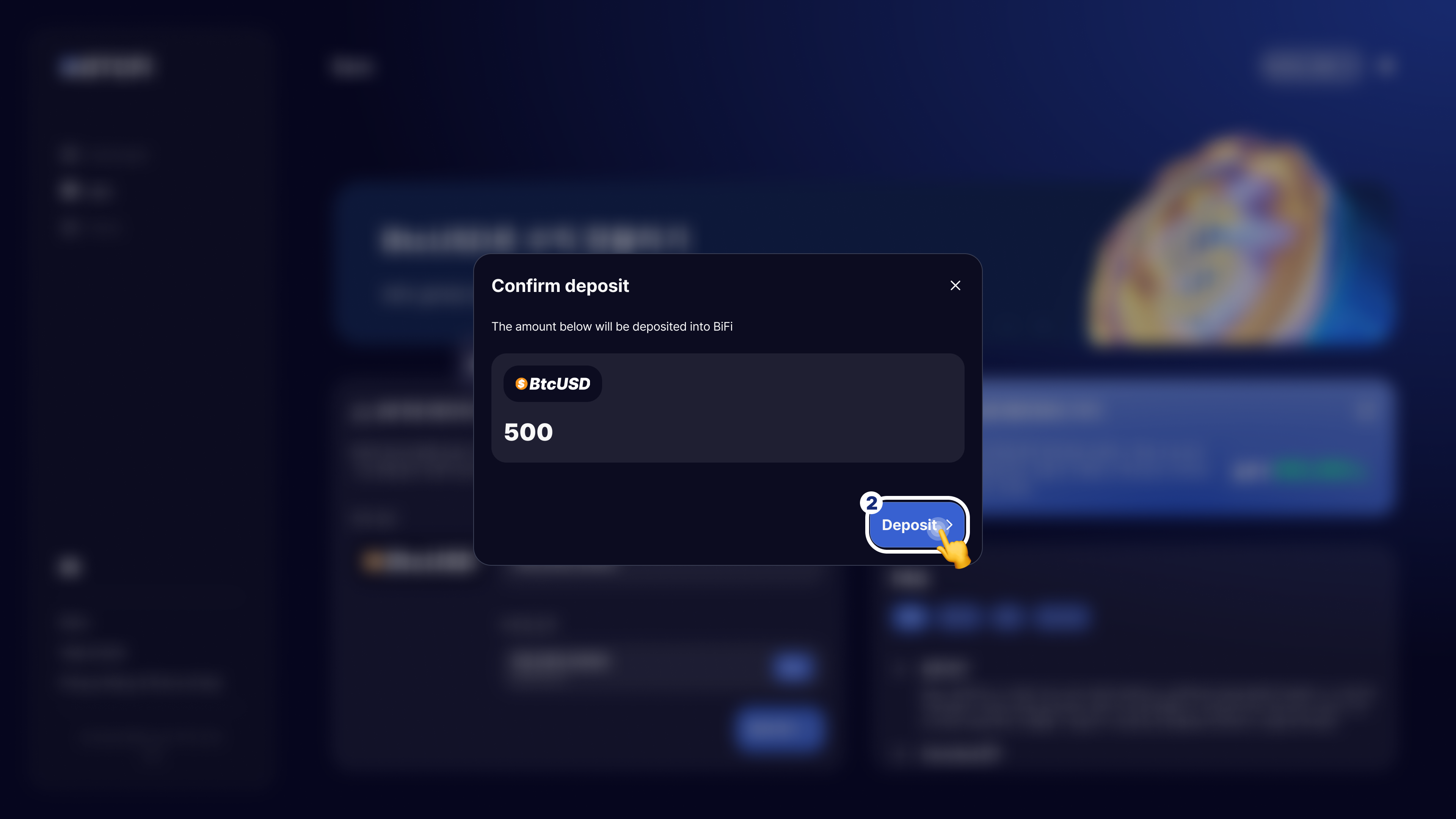
2. Make sure the amount of BtcUSD is correct, then press `Deposit` to proceed.
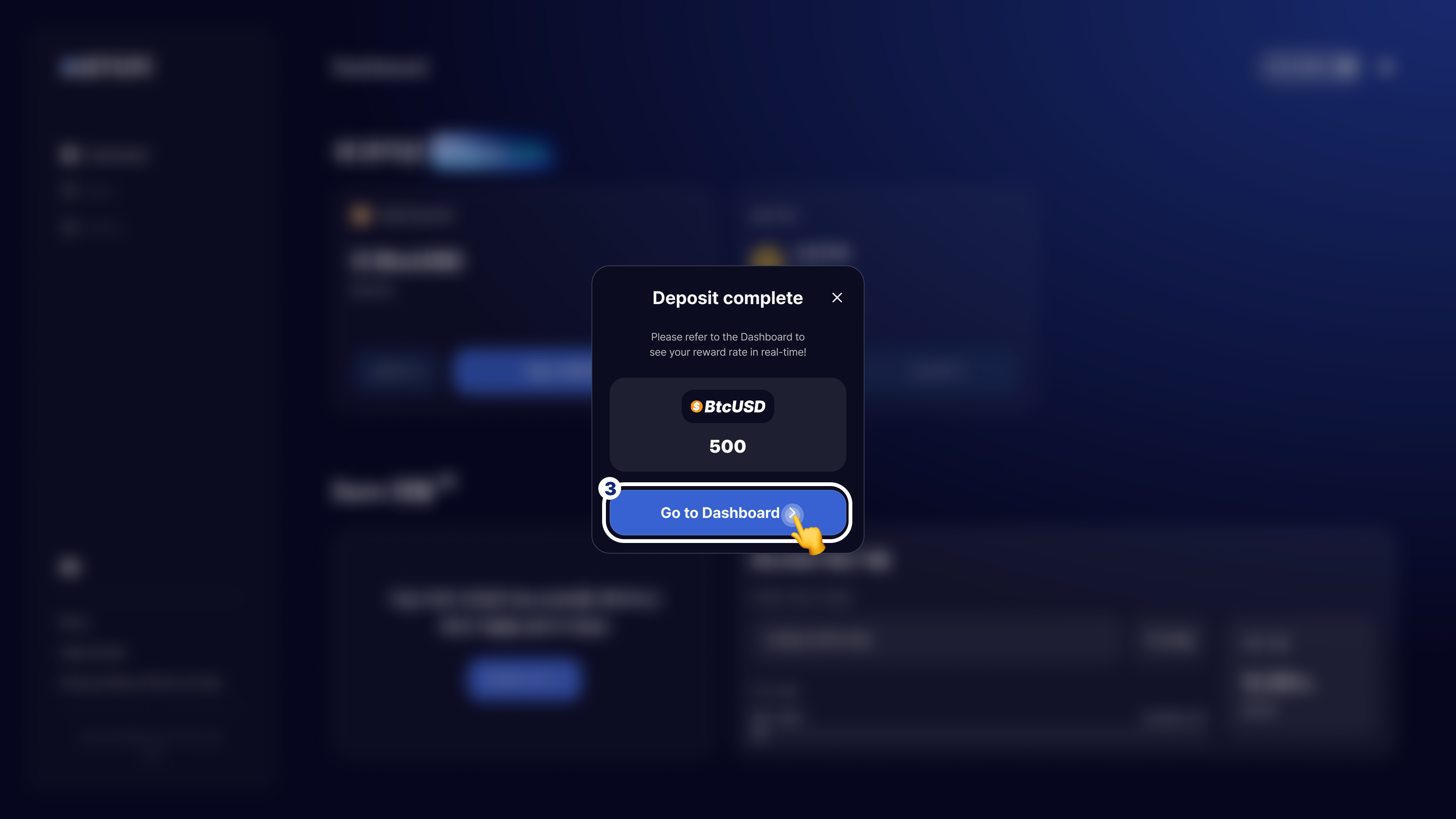
3. Once the deposit is complete, click the `Go to Dashboard` button to move to the Dashboard, where you can check your reward status.